
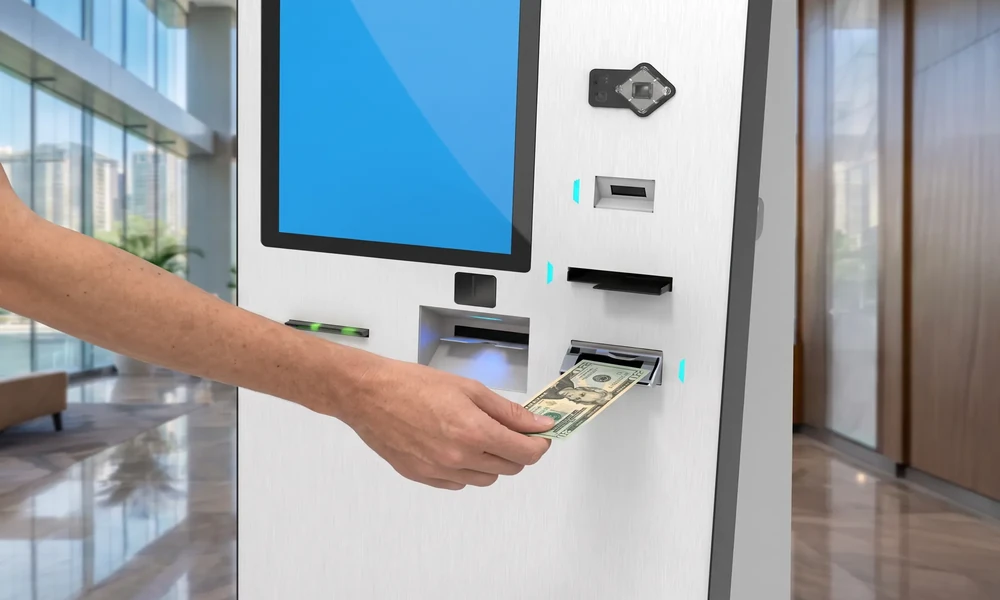
Every card tap at a self-service terminal sends sensitive details across a connection. Criminals know unattended machines can be easier targets than staffed counters. A weak setup can expose card numbers, personal details or store systems. Retailers comparing connectivity options such as https://idmwireless.com/commercial-retail/kiosks/ usually want practical safeguards. Good security starts long before a shopper reaches the screen. It depends on careful setup, steady updates plus clear rules for staff.
How Unattended Terminals Attract Criminal Attention
No cashier watches the machine closely. Card skimmers can be fitted within seconds. Open ports behind panels invite tampering. Remote attacks target weak passwords or outdated software.
Safeguards Every Retail Team Should Apply
Strong protection relies on layers. Each layer below blocks a different type of attack.
- Keep card readers on a segment separate from guest WiFi.
- Change default router passwords before any unit goes live.
- Encrypt traffic between each terminal plus the card processor.
- Install firmware updates promptly once vendors release security fixes.
- Disable unused USB ports or hidden service connections inside cabinets.
- Inspect card slots daily for skimmers or loose overlays.
- Limit remote management to approved staff using strong authentication.
- Log every login attempt so unusual activity stands out quickly.
Using Cellular Links to Reduce Exposure
A dedicated cellular connection keeps terminals away from shared office systems. Attackers on guest WiFi cannot reach the checkout units. Private cellular plans add another layer of separation.
What Standards Apply to Card Transactions at Terminals?
Businesses accepting cards must follow PCI DSS. This global standard sets requirements for storing, sending plus processing card details. It covers firewalls, encryption plus regular testing.
Many retailers choose readers that encrypt card details the moment they are tapped. This reduces how much of the store’s system falls under audit. Your card processor can explain which requirements apply. Smaller businesses often complete a yearly self-assessment questionnaire.
Training Staff to Spot Tampering EarlyStaff should check terminals at opening each day. They should know what a normal reader looks like. Anything loose or unfamiliar must be reported immediately.Watching Connections Around the Clock
Remote monitoring tools flag unusual traffic or sudden disconnects. Alerts reach managers within minutes. Logs also support investigations afterwards.
Common Threats Matched to Simple Defences
| Threat | Defence |
|---|---|
| Card skimmers | Daily physical checks |
| Default passwords | Unique credentials per device |
| Outdated firmware | Scheduled updates |
| Shared WiFi attacks | Separate cellular or segmented links |
| Unauthorised remote logins | Multi factor authentication |
Security Tasks Organised by Frequency
| Frequency | Task |
|---|---|
| Daily | Inspect readers for tampering |
| Weekly | Review alert logs |
| Monthly | Apply pending updates |
| Yearly | Complete compliance review |
Doubts Retailers Raise About Terminal Security
- Does cellular connectivity improve security? It can, because terminals stay separate from shared store systems.
- How often should firmware be updated? Apply security updates as soon as vendors release them.
- What does a skimmer look like? Often a thin overlay fitted over the real card slot.
- Is guest WiFi safe for terminals? No. Checkout devices should always use a completely separate connection.
Picking a Connectivity Partner With Care
Ask providers how they isolate traffic. Check whether monitoring plus remote reboot are included. Managed options described at https://idmwireless.com/commercial-retail/kiosks/ show what a dedicated setup can include.
Steady Habits Beat Costly Breaches
No system is ever fully immune. Most breaches exploit simple oversights. Check readers daily. Patch software promptly. Small routines repeated faithfully matter more than one expensive upgrade.